Chameleon is a donationware app where we encourage those who use it to support our 501(c)3 education and technology non-profit.
The app operates in two basic modes, where you play files locally on your machine, or you stream via a browser window.
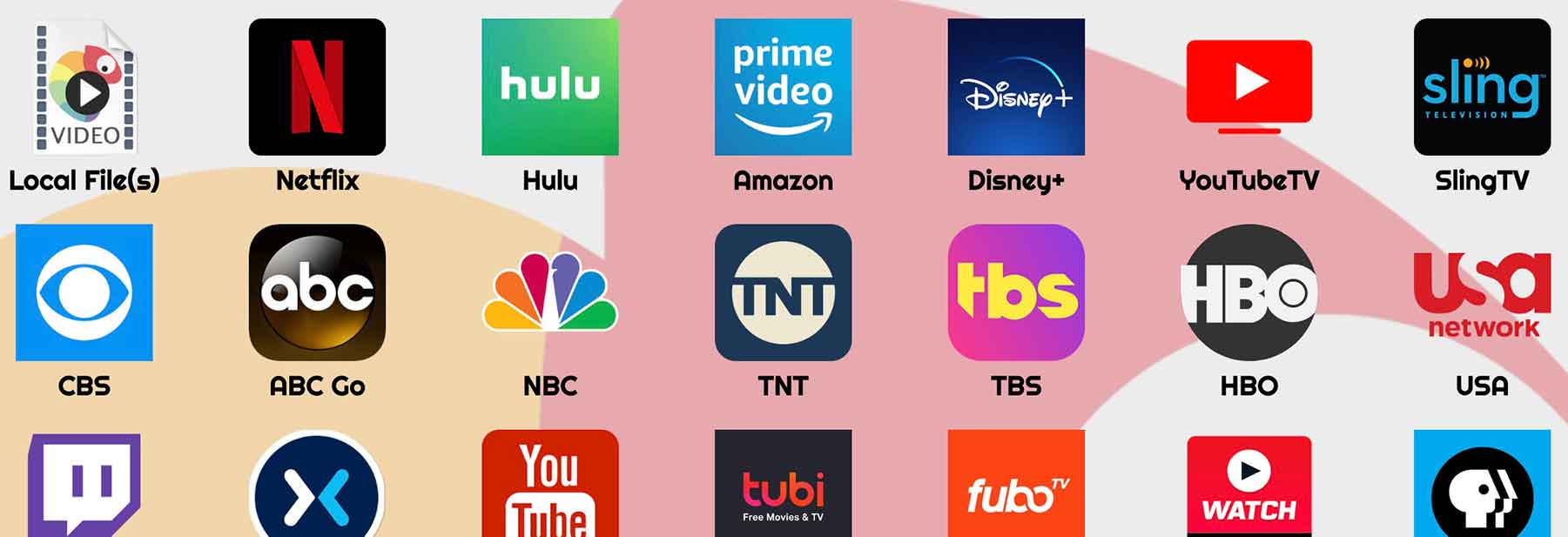
To Load a local File (mkv, mov, mp4, avi), simply click the "Local File(s) button in the upper right. To open a streaming service in a browser window, select any of the shortcuts to popular services or enter the url of whichever site you would like to navigate to (supports localhost for developers). Click here to skip ahead to browser playback.
Once you have chosen your streaming service or url, it will load fully opaque in the foreground and you will have control of the browser window. This is so you can login /select your program you wish to watch and begin playback fullscreen. Once done, you can send the window in the background by hitting the red button "Send to Background (UnFocus)" or by moving the opacity slider to anything below 100% on the tray menu that has automatically opened. Clicking anywhere will dismiss the menu, but it can be accessed at any time via the system tray, (upper right for MacOS, lower right for Win and variable on Linux systems).
When below 100%, the browser window will not be interactable, and whatever is "beneath" or "behind" it on your screen will instead have focus. To regain focus of the transparent background browser window, simply move the opacity slider to 100% or press the red button. A variety of keyboard shortcuts can be used to trigger these and other functions more quickly and conveniently. Any website should be compatible, but our developers test the following on a routine basis:
Netflix, Hulu, Prime Video, Disney+, YouTubeTV, SlingTv, CBS, ABC, NBC, TNT, TBS, HBO, USA, Twitch, Mixer, YouTube, Tubi, Fubo, ESPN, PBS, Vudu, Crackle, Adult Swim, Showtime, Starz and CNN with a special focus Coursera, EdX, Udacity, Khan Academy, Codeacademy and TED Talks
Keyboard Shortcuts
All of Chameleon's global keyboard shortcuts use CommandOrControl+Shift, meaning that if you are on MacOS you will hold down the command key (⌘) and shift (⇧) and the respective key below. On Windows and most Linux systems, this will instead be control (^), [or the "windows key" on some keyboards], and shift (⇧) along with the respective key below.
All donations help our non-profit, Cinq-Mars Media, to continue its mission of educational research and technology. Originally devised as an educational tool to help busybodies absorb online classes while multitasking and practice learned concepts while watching lecutres, Chameleon can also function as an entertainment app. Popular educational sites like Coursera, EdX, Udacity, Khan Academy and Codeacademy are focused on in development.
Cinq-Mars Media a 501(c)3 non-profit Cinq-Mars Media is a 501(c)(3) non-profit organization developing technology to support scientific research related to human safety and education, and to make such technology and research available on a charitable basis.Contact Us
* Note: Several supported services like Netflix, Hulu and HBO among others require paid subscriptions or cable subscriptions that we in no way provide. These are trademarked businesses with no affiliation to CMM or Chameleon.



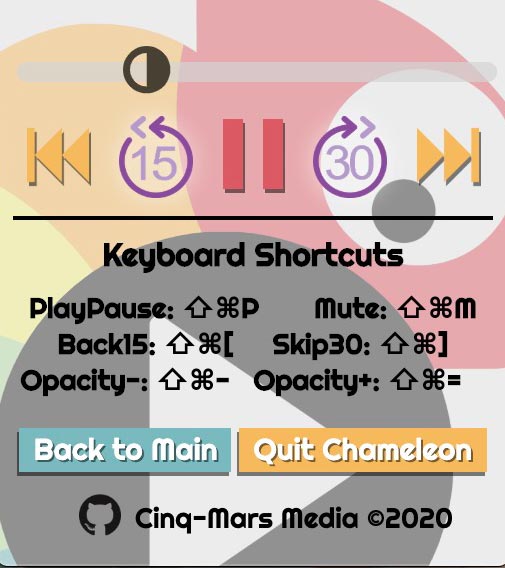 Once selected, the video will begin to play at 25% opacity in the background. The tray menu will open by default. Here, you can drag the opacity slider up and down, play/pause, skip ahead 30 seconds, rewind 15 seconds, re-run the current file, and jump several minutes ahead. If there is another video in your playlist and you overscan the current file, the next file will begin.
 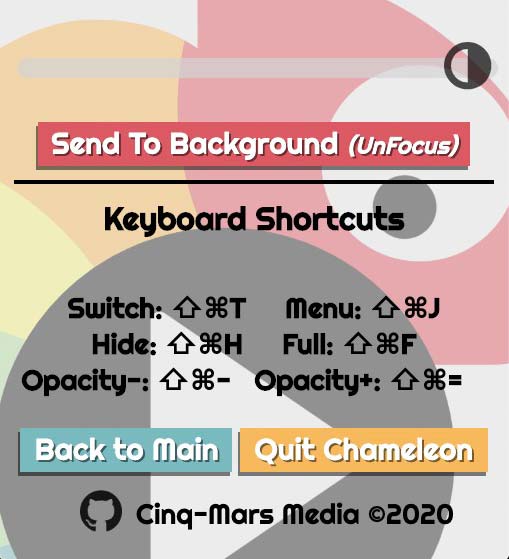 Once you have chosen your streaming service or url, it will load fully opaque in the foreground and you will have control of the browser window. This is so you can login /select your program you wish to watch and begin playback fullscreen. Once done, you can send the window in the background by hitting the red button "Send to Background (UnFocus)" or by moving the opacity slider to anything below 100% on the tray menu that has automatically opened. Clicking anywhere will dismiss the menu, but it can be accessed at any time via the system tray, (upper right for MacOS, lower right for Win and variable on Linux systems).


